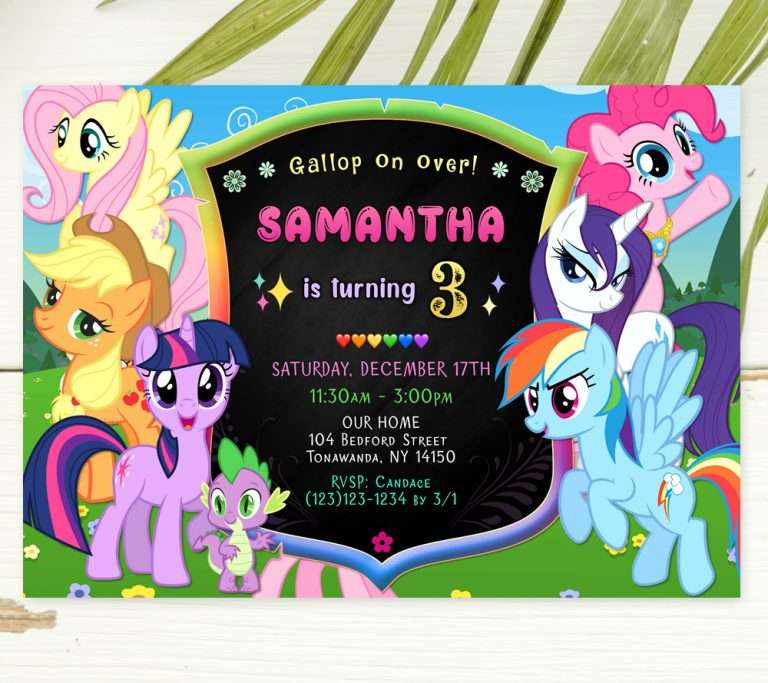
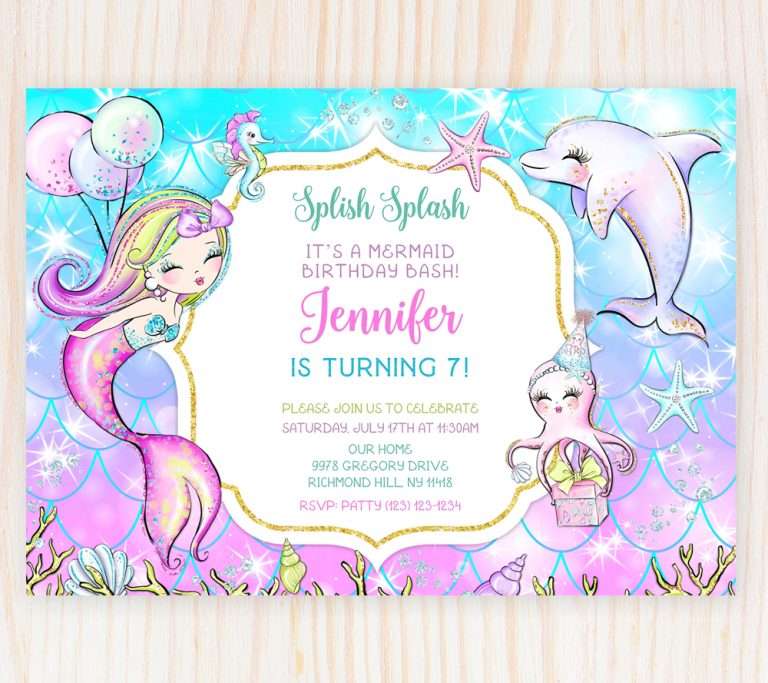
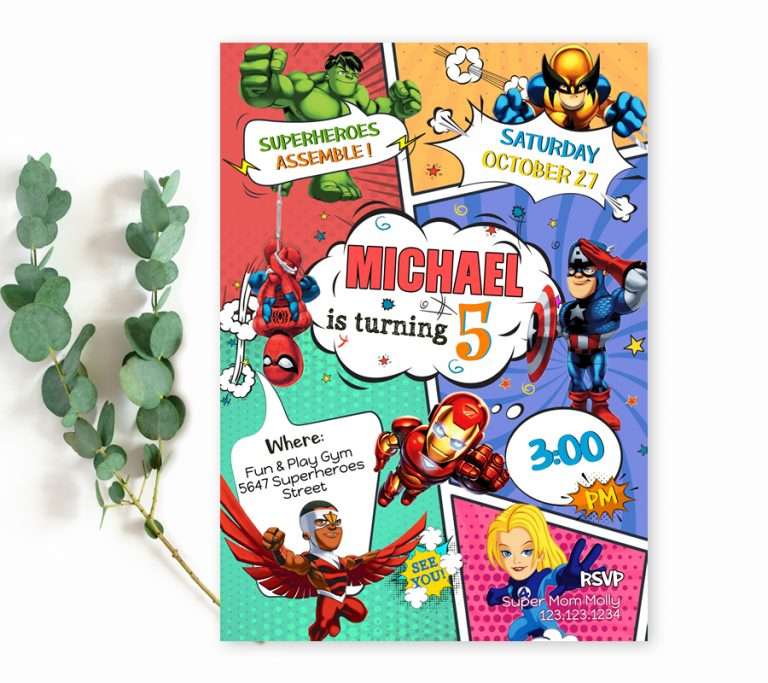
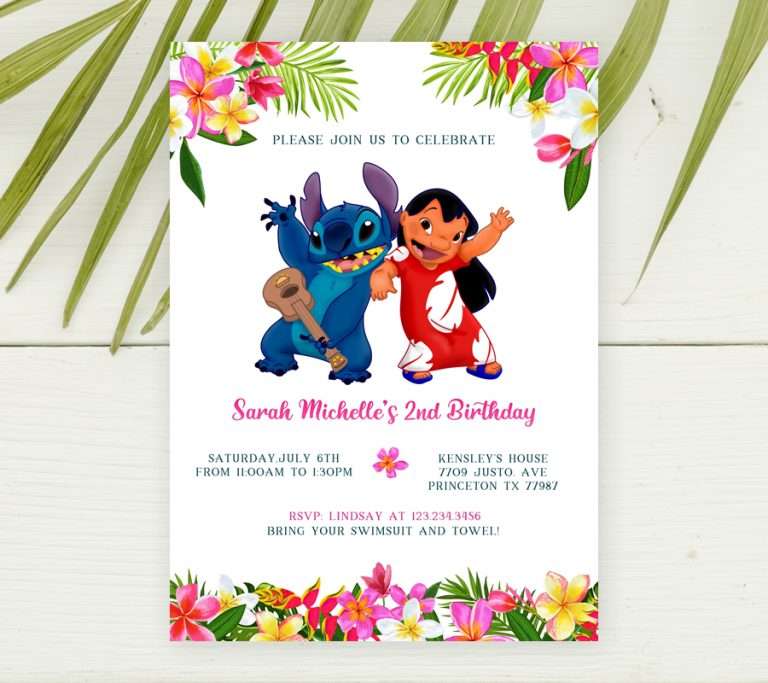
So, most of our invitations are customizable templates and you probably would like to get some tips how to edit an invitation in Corjl. This service, it’s worth nothing, provides an opportunity to edit a pre-made template online. We find it very convenient because a customer doesn’t have to be a designer to start using it, in other words, it’s interface is very intuitive and user-friendly.
According to our researches about 43% of our audience prefer editing their purchased invitations using their cell-phones, 46% – from the computers. And the rest amount is tablet users. As we mentioned, Corjl is a flexible platform and you can take advantages of its desktop and mobile versions. However do you know that there is a difference between them? Let’s go over these features.

Edit an Invitation in Corjl from Computer
In a previous post, we discussed how to create a birthday invitation online. If you’re looking for a quick and easy way to design an invitation, we highly recommend Corjl. It’s a powerful tool that allows for seamless customization. To take full advantage of all its features, we suggest using a computer, as it enables you to edit text and access a wider range of design options. For example:
- change fonts
- play with font colors
- move texts and adjust alignment
- add new text blocks if space allows
- add shadows
- upload your images and incorporate then into design
Please watch this video below to see various advantages of the Corjl’s desktop editor.

Changing Font Color on the Invitation Template
How to Change Text Alignment on the Invitation
How to Add a Photo to an Invitation
You may want to play more with the template editor since you can make it free before you purchase a template. We hope our tutorials were helpful for you.
Edit an Invitation in Corjl from Phone
Mobile version of Corjl editor work best when you would like just to populate your party details. Thus changing font color, alignment and using other editor features are available in desktop editor in full.
So, if you are planning to host a birthday party for your kid, you’re in the right place. Go ahead and choose a template for your theme, browse through our collections of editable invites and edit your template immediatly from your device now!
For more Tips How to Edit an Invitation in Corjl please visit Corjl’s FAQ page.
Please read our next post about editable Minions Invitations.